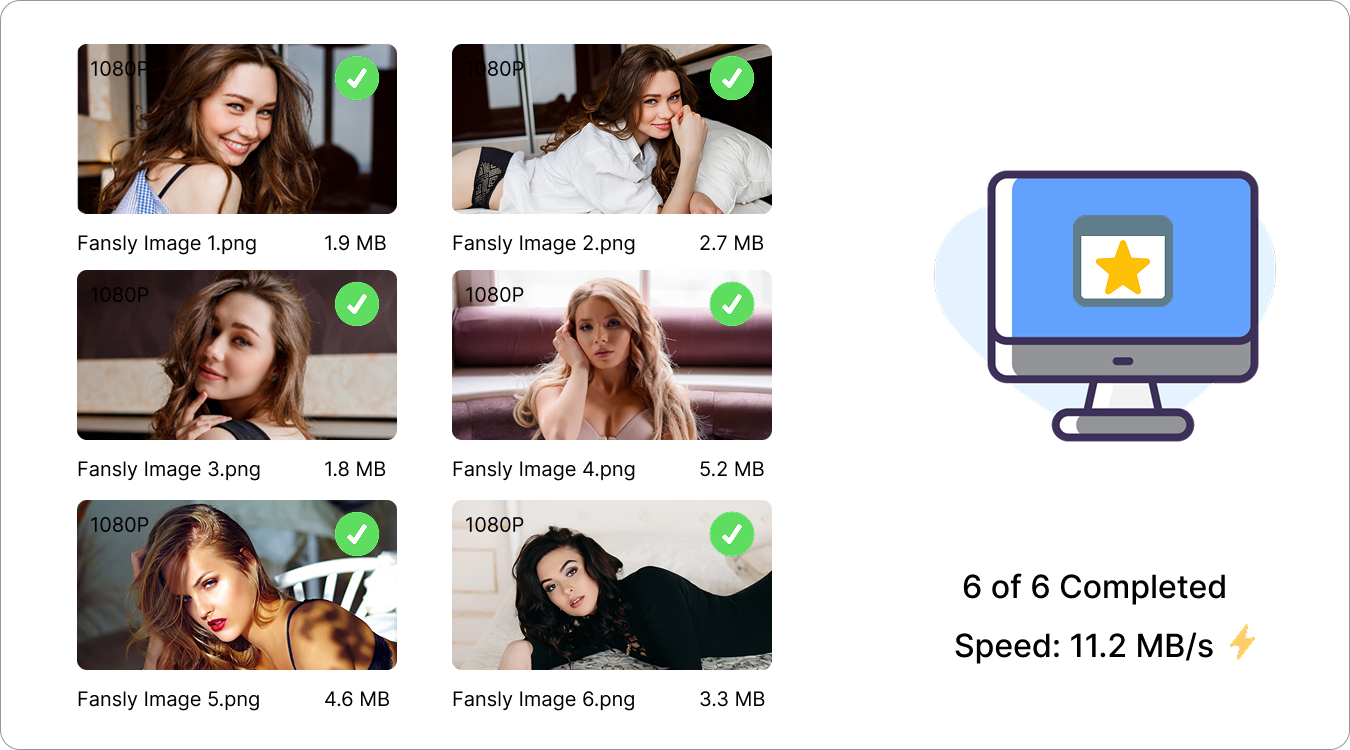
Download Fansly Images Online & Easy
Easily save your favorite Fansly images with a convenient online downloader designed for speed and simplicity.
This link can't be analyzed online
The page may require login, or it isn't supported by the online analyzer yet. Try the free FanslySaver desktop app — it handles these links and supports batch image downloads.
How It Works
3 Fast StepsPaste Fansly Image URL
Copy the Fansly image post link from your browser and paste it into FanslySaver to get started.
Analyze Fansly Image Content
Click "Analyze Image" to process the link and find available images ready for download.
Download Fansly Images
Select your favorite images and save them directly to your device with just a few clicks.
Download Options
Images are always saved in their original quality. Use the format filter below to narrow down the results.
Extracted Images
Why Choose FanslySaver Online Image Downloader?
FanslySaver turns image downloading into a simple process with efficient performance, premium-quality output, and a smooth user journey.
📝 No Registration Required
Start downloading Fansly images without registration or complicated sign-up steps.
🖼️ Original Image Quality
Download images with the best available quality while preserving clear details and visual clarity.
🔍 Smart Image Detection
FanslySaver automatically detects images from your link and gets them ready to download.
🌍 Available Anywhere
Enjoy image downloads anytime across different devices and locations.
⚡ Smooth Performance
Enjoy fast processing, quick responses, and a seamless image downloading experience.
🔄 Continuous Updates
FanslySaver is regularly improved with performance enhancements for a better user experience.
FAQ
1. What is FanslySaver Online Image Downloader?
FanslySaver Online Image Downloader is a simple tool that helps you save Fansly images online quickly and easily by using an image post URL.
2. How do I download Fansly images with FanslySaver?
Copy the Fansly image post link, paste it into FanslySaver, click "Analyze Image", select the images you want, and download them to your device.
3. What image quality does FanslySaver support?
FanslySaver downloads images with the best available quality whenever possible.
4. Can I download multiple Fansly images at once?
The online version supports image downloads from available posts. For more powerful batch image downloading, try the FanslySaver desktop version.
5. Can I download Fansly videos with the image downloader?
No. The FanslySaver image downloader is designed specifically for saving Fansly images. Use the FanslySaver online video downloader for video downloads
6. Why can't FanslySaver detect my images?
Make sure the image URL is correct and accessible. Private or unavailable content may not be detected.
7. Does FanslySaver store my downloaded images?
No. Images are downloaded directly to your device through your browser.